Personal Website Setup Complete
Personal Website Setup Complete
What has been created
I have successfully created a complete personal academic website for Yatong Lan using the Academic Pages template. Here’s what has been set up:
✅ Completed Files
_config.yml- Main site configuration- Site title: “Yatong Lan / 兰亚彤”
- URL: https://yatonglan.github.io
- Author information updated
_data/authors.yml- Author profile- Name: Yatong Lan
- Bio: “Autonomous Driving Research Intern at Tsinghua University”
- GitHub: yatonglan
_pages/about.md- Home page content- Personal introduction
- Research interests
- Work experience (Tsinghua University & Guanglun Intelligence)
- Contact information
_data/navigation.yml- Navigation menu- Publications
- Blog Posts
- CV
- (Talks, Teaching, Portfolio, Guide commented out)
_pages/cv.md- Curriculum Vitae- Education: Tsinghua University
- Work experience
- Skills section
- Publications and talks sections
_posts/2024-12-26-autonomous-driving-research.md- Sample blog post- Title: “Recent Advances in Autonomous Driving Perception Systems”
- Content about autonomous driving research
_publications/2024-12-26-perception-system.md- Sample publication- Title: “Multi-modal Sensor Fusion for Robust Autonomous Vehicle Perception”
- IEEE Transactions on Intelligent Transportation Systems
README.md- Updated project descriptionDEPLOYMENT.md- Deployment instructions
🎯 Key Features
- Professional Design: Clean, academic-focused layout
- Responsive: Works on desktop and mobile devices
- Easy to Customize: Well-documented configuration files
- GitHub Pages Ready: Designed for easy deployment
📝 Content Summary
Personal Information:
- Name: Yatong Lan (兰亚彤)
- Current Position: Autonomous Driving Research Intern at Tsinghua University
- Previous Position: Algorithm Intern at Guanglun Intelligence
- Location: Beijing, China
- Research Focus: Autonomous driving, computer vision, deep learning
Website Sections:
- Home page with personal introduction
- Publications showcase
- Blog posts for research updates
- Professional CV
- Contact information
🚀 Next Steps
- Deploy to GitHub Pages:
- Create repository:
yatonglan.github.io - Upload all files
- Enable GitHub Pages in settings
- Create repository:
- Customize Further:
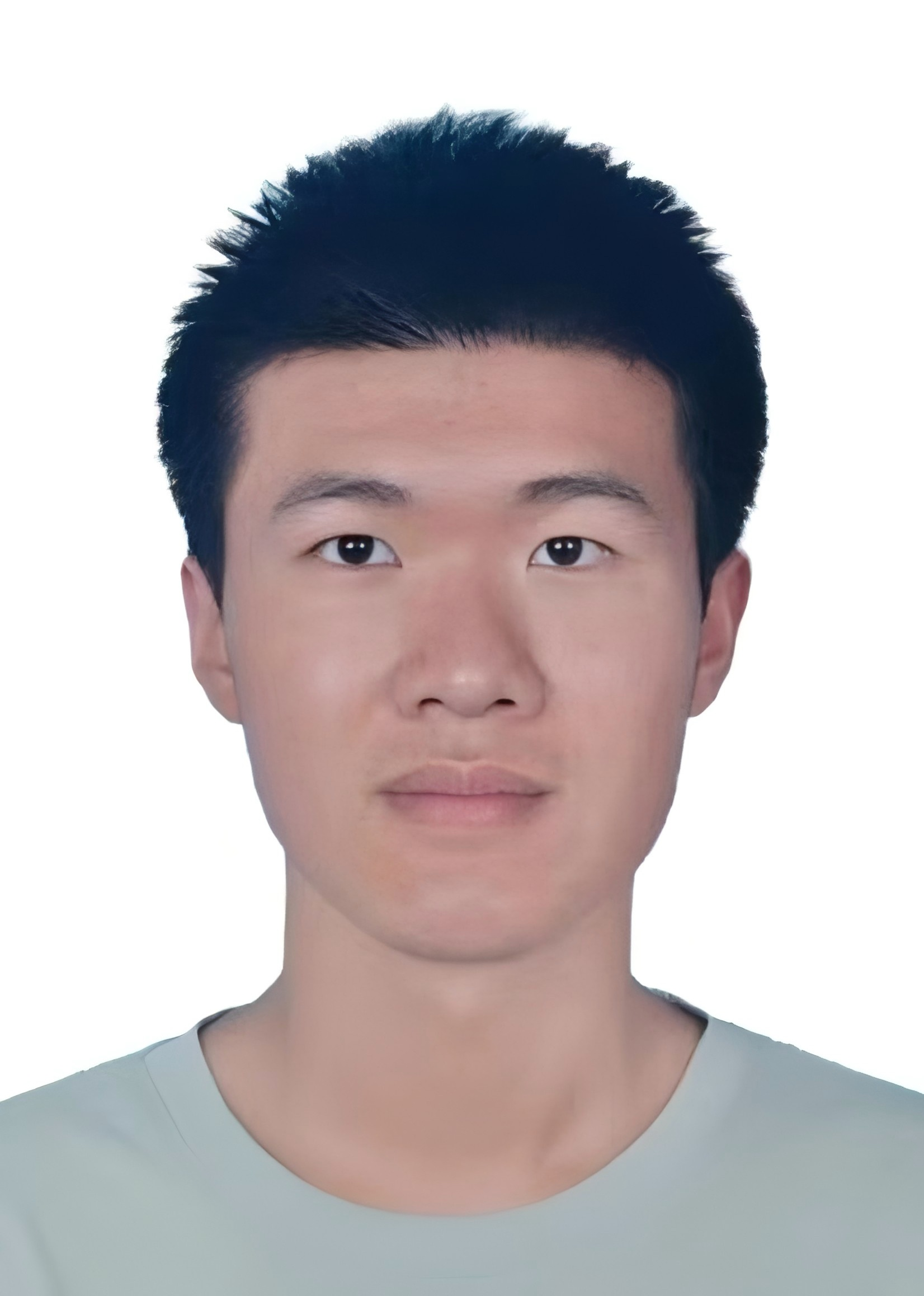
- Add real profile photo to
images/profile.png - Update email address in
_config.yml - Add real publications to
_publications/ - Add more blog posts to
_posts/
- Add real profile photo to
- Optional Enhancements:
- Add social media links
- Include research projects
- Add teaching experience
- Custom domain setup
📁 File Structure
personal-website/
├── _config.yml              # ✅ Site configuration
├── _data/
│   ├── authors.yml          # ✅ Author information
│   └── navigation.yml       # ✅ Navigation menu
├── _pages/
│   ├── about.md            # ✅ Home page
│   └── cv.md              # ✅ CV page
├── _posts/                 # ✅ Blog posts
├── _publications/          # ✅ Publications
├── README.md              # ✅ Project description
├── DEPLOYMENT.md          # ✅ Deployment guide
└── SETUP_COMPLETE.md      # ✅ This file
The website is now ready for deployment! Follow the instructions in DEPLOYMENT.md to get it live on GitHub Pages.